
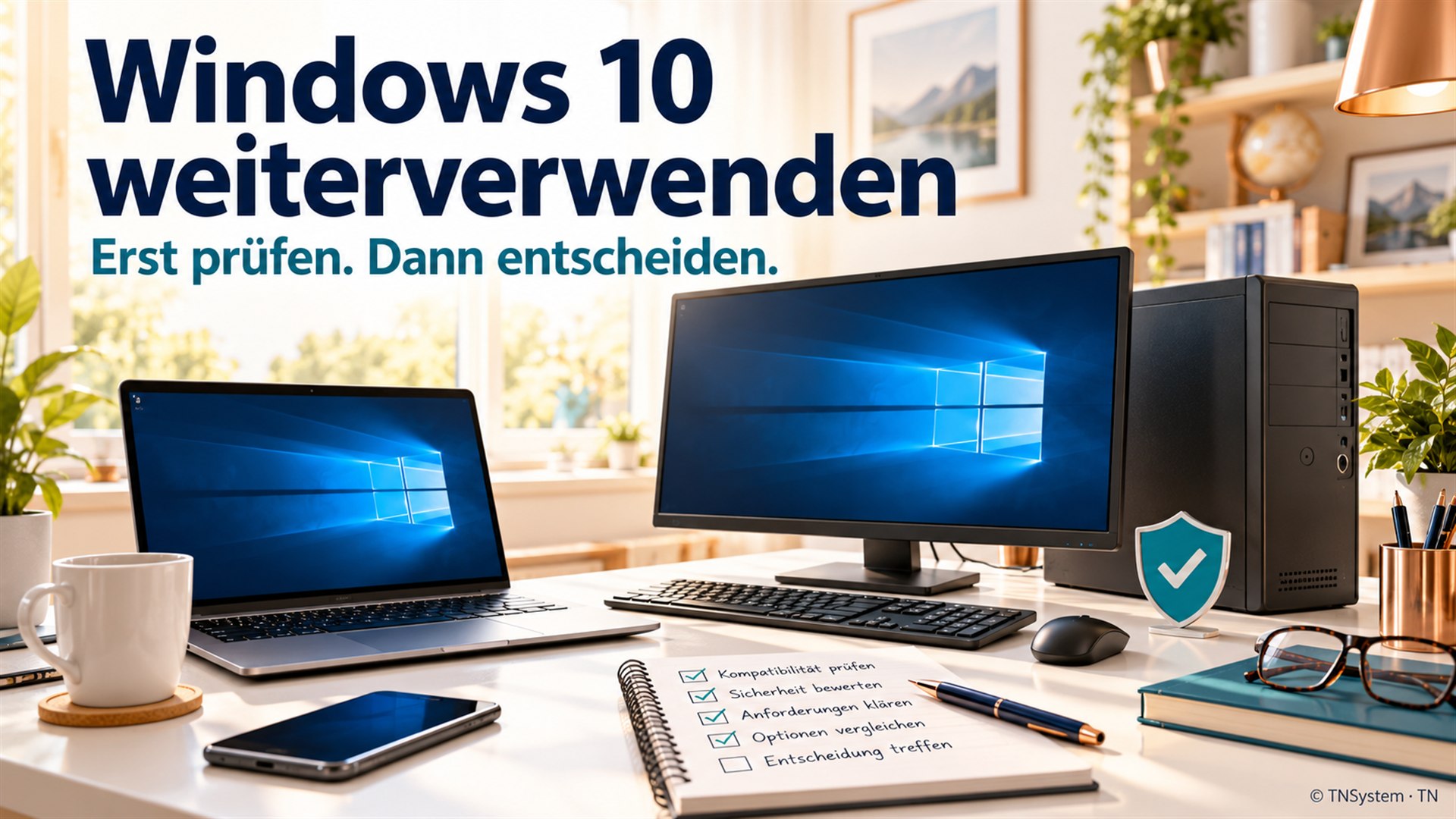
A computer that still works
The computer starts promptly, applications work and the printer behaves. Yet Windows 10 has reached the end of regular support. Does that mean buying a new PC immediately?
I would not decide solely from the operating system's age. First establish what protection is actually in place and what work the device needs to keep doing reliably.
What ESU provides — and what it does not
Microsoft's current German consumer Windows 10 ESU page gives 12 October 2027 as the programme end date. According to that page, coverage for already enrolled devices continues automatically. The offer covers specified Windows 10 22H2 editions and has eligibility requirements. It does not restore regular support: feature improvements and technical support are not included. [1]
I would not assume that every Windows 10 computer still starting normally has this protection. Enrolment and actual receipt of security updates are the important checks.
Separate personal and business devices
Microsoft explicitly excludes business use from its consumer ESU offer. Organisations have different deployment and licensing routes. [1] A privately purchased laptop is not automatically an eligible consumer case simply because of who owns it.
Before deciding, record its actual use and check the applicable terms. This article is not individual licensing advice; regional offers and requirements can change.
Check Windows 11 suitability first
Migration requires meeting the official hardware requirements. Microsoft points to its compatibility check and the device manufacturer's information. [2]
I would not bypass security or installation checks just to make setup start. What matters is whether the result remains supported, maintainable and suitable for daily use. Include drivers and required peripherals in that assessment.
The work you need is the real test
My practical plan would be modest: identify essential applications and licences, list printers and scanners, back up data and establish a recovery route. Follow that with a planned migration tested against real tasks, not merely a look at the new desktop.
If moving is not yet appropriate, the transition period needs an owner and a deadline. Another operating system may be an option, but must also suit the applications and devices. A blanket recommendation either to replace everything or to carry on unchanged would be too simplistic.
My conclusion
A useful computer deserves a considered assessment. Security updates may provide time for an orderly move, but do not replace a plan. To me, the right decision brings protection, required functionality and ongoing maintenance together.
Sources and context
Research date: 24 October 2026. Linked vendor and project information is not an independent product test. Examples and recommendations are identified as such.
[1] Microsoft: German Windows 10 consumer ESU conditions
Read source ↗
[2] Microsoft: Windows 11 hardware requirements
Read source ↗